

free keyword research tools for beginner Starting SEO can feel confusing when you do not know which keywords to target. The right keywords help you understand what people search for and create content that answers their questions.
Fortunately, you do not need expensive software to get started. Several free keyword research tools for SEO beginners can help you discover keyword ideas, understand search intent, and plan blog content.
In this guide, you will learn about seven free tools, their key features, and how to use them effectively.
What Is Keyword Research in SEO?
Keyword research is the process of finding and analysing the words and phrases people enter into search engines. It helps you identify relevant topics, understand user intent, and create content that matches what your audience needs.
For beginners, long-tail keywords are especially useful. These are specific search phrases, such as “best free SEO tools for small businesses,” that often reveal clearer user intent than broad terms like “SEO tools.”
1. Google Keyword Planner

Best for: Keyword ideas and estimated search data.
Google Keyword Planner is a free tool available through Google Ads. It helps you discover keyword ideas and review estimated search volume, competition, and advertising bid data.
How to use it:
- Enter a topic related to your website.
- Explore the suggested keyword ideas.
- Identify relevant phrases that match your content.
- Compare keyword demand and competition.
It is useful for building an initial keyword list, although some search-volume figures may appear in ranges depending on your account and usage.
2. Google Search Console
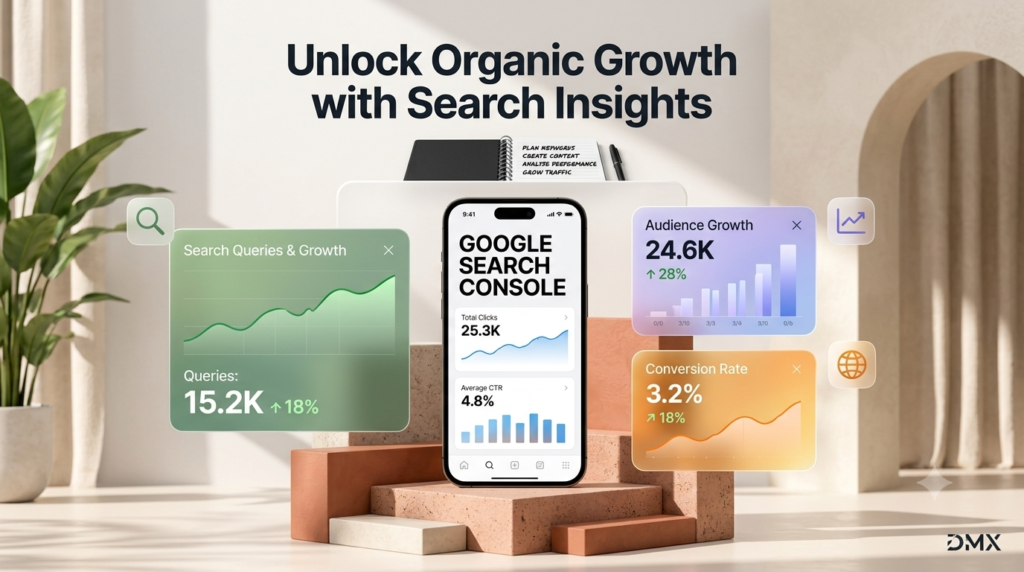
Best for: Finding keywords your website already ranks for.
Google Search Console shows the search queries that bring impressions and clicks to your website. It is particularly useful once your pages begin appearing in Google Search.
How to use it:
- Open the Performance report.
- Review queries, clicks, impressions, and average position.
- Find relevant queries with impressions but relatively few clicks.
- Improve existing content to better match search intent.
This tool provides actual performance data for your verified website rather than only keyword suggestions.
3. Google Trends
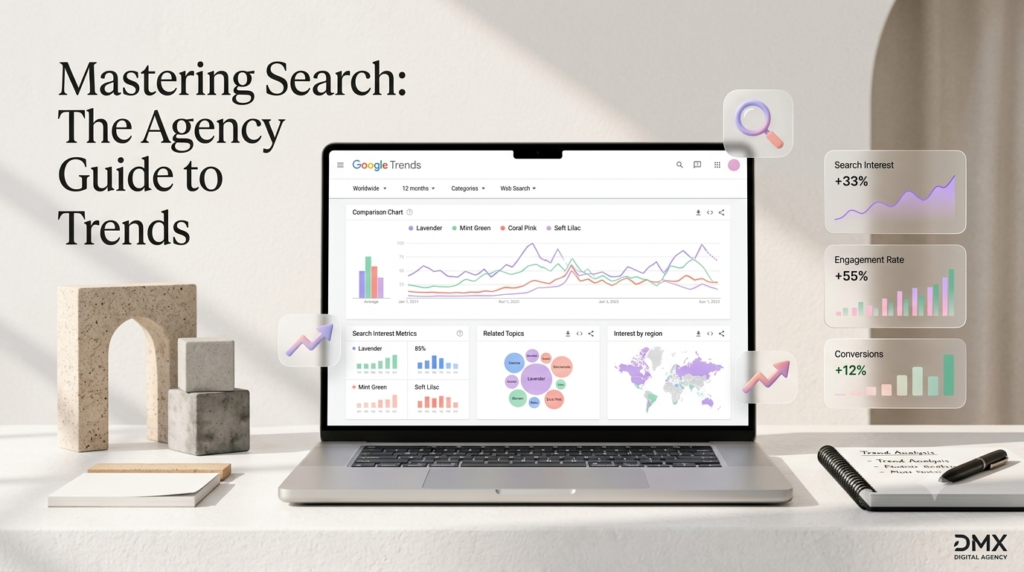
Best for: Understanding keyword popularity over time.
Google Trends helps you compare search interest and identify seasonal patterns. It can also show related topics and queries.
How to use it:
- Enter two or more related keywords.
- Select your target country and time range.
- Compare their relative search interest.
- Look for rising topics relevant to your audience.
Remember that Trends shows relative interest, not exact monthly search volume.
4. Ahrefs Free Keyword Generator
Best for: Discovering long-tail keyword ideas.
Ahrefs Free Keyword Generator provides keyword suggestions for selected search engines and locations. It can help you explore related phrases and identify potential content topics.
How to use it:
- Enter a broad keyword.
- Select your target country.
- Review the suggested keyword ideas.
- Prioritise phrases that closely match your audience’s needs.
Free access is limited compared with Ahrefs’ paid plans, but it is a useful starting point for keyword discovery.
5. Semrush Keyword Tools
Best for: Exploring keyword opportunities.
Semrush offers keyword research features that can help you evaluate search demand, keyword difficulty, and related search terms, depending on the tool and access level.
How to use it:
- Enter a keyword related to your niche.
- Review available keyword suggestions and metrics.
- Compare relevant opportunities.
- Save suitable ideas for your content plan.
Free usage limits apply, so check which features are available before relying on specific metrics.
6. AnswerThePublic
Best for: Finding questions people ask online.
AnswerThePublic organises search suggestions around questions and related phrases. It can help you discover content ideas for informational blog posts and FAQs.
For example, researching “keyword research” may reveal questions such as:
- What is keyword research?
- How does keyword research work?
- Which keyword research tools are free?
Use these questions to build useful headings and answer readers’ concerns directly. Free searches may be limited.
7. Google Autocomplete
Best for: Quick, free keyword ideas.
Google Autocomplete displays suggested searches as you type into the search bar. These suggestions can help you discover related phrases and long-tail keyword opportunities.
How to use it:
- Type your main topic into Google.
- Add words such as “how,” “best,” “free,” or “for beginners.”
- Record relevant suggestions.
- Check whether each phrase fits your content and audience.
Autocomplete is easy to use, but suggestions are not a reliable source of exact search-volume or ranking-difficulty data.
Quick Comparison of Free Keyword Research Tools
| Tool | Best use |
|---|---|
| Google Keyword Planner | Keyword ideas and estimated search data |
| Google Search Console | Existing website queries |
| Google Trends | Search-interest trends |
| Ahrefs Free Keyword Generator | Related and long-tail keywords |
| Semrush Keyword Tools | Keyword opportunity analysis |
| AnswerThePublic | Questions and content ideas |
| Google Autocomplete | Quick keyword suggestions |
How to Do Keyword Research
Follow these five steps to use free keyword research tools for SEO beginners effectively:
- Choose a topic: Start with a subject closely related to your website or business.
- Generate keyword ideas: Use Google Autocomplete, Keyword Planner, or Ahrefs to find relevant phrases.
- Understand search intent: Determine whether people want information, a comparison, or a product or service.
- Evaluate opportunities: Consider relevance, available search-volume data, competition, and how useful the content can be.
- Create helpful content: Choose one primary keyword per page and use related terms naturally in headings and body text.
Common Keyword Research Mistakes to Avoid
- Targeting only broad keywords: Specific phrases may better match what your audience needs.
- Ignoring search intent: A keyword is useful only when your content answers the searcher’s actual question.
- Trusting every metric: Search volumes and difficulty scores are estimates, not ranking guarantees.
- Stuffing keywords: Repeating a phrase unnaturally can make content difficult to read.
- Ignoring existing data: Check Google Search Console to identify opportunities on pages already receiving impressions.
Frequently Asked Questions
Are free keyword research tools enough for beginners?
Yes. Free tools can help beginners discover keyword ideas, understand search intent, and plan content. Paid tools may become useful when you need more extensive data or advanced analysis.
What are the best free tools for long-tail keyword research?
Google Autocomplete, AnswerThePublic, Ahrefs Free Keyword Generator, and Google Keyword Planner are useful starting points for discovering longer, more specific phrases.
How many keywords should I target in one blog?
Choose one primary keyword and include relevant secondary keywords naturally. Focus on answering the reader’s question rather than achieving an arbitrary keyword density.
Conclusion
You do not need an expensive SEO subscription to begin keyword research. These seven free tools can help you find relevant topics, understand search behaviour, and plan content around real user needs.
Start with Google Keyword Planner and Autocomplete for ideas, use Google Trends to explore interest, and rely on Search Console to learn from your website’s actual performance. With consistent research and helpful content, you can build a stronger SEO strategy over time.
Suggested URL slug: free-keyword-research-tools-for-seo-beginners
SEO title: 7 Free Keyword Research Tools for SEO Beginners
Meta description: Discover 7 free keyword research tools for SEO beginners to find long-tail keywords, understand search intent, and plan better blog content.